How to Make a QR Code for Free (2026 Guide)
Feb 3, 2026 · QRmkr Team
You can make a working QR code in under a minute, for free, and it should never expire. If a generator tells you your free code will stop working, walk away - that's a dark pattern.
Step 1: Pick your destination
Decide what the code should open: a website, a menu, a WiFi network, a contact card. For a free static code, this destination is permanent.
Step 2: Generate the code
Paste your URL into a generator like QRmkr, choose your colors, and download as PNG (for print) or SVG (for scaling to any size without blur).
Step 3: Test before you print
Always scan your code with two or three different phones before sending it to print. Check that it lands on the right page and that contrast is high enough to scan in low light.
Step 4: Decide static vs dynamic
If you'll ever want to change the destination or see how many people scanned, you need a dynamic code. If it's truly set-and-forget, static is free forever.
Common mistakes to avoid
- Low contrast: light code on a busy background won't scan.
- Too small: aim for at least 2×2 cm on print, larger for distance.
- No call to action: tell people why to scan ("Scan for menu").
- Using a code that expires: good static codes never expire.
Make your free QR code right here
Free, no sign-up, no watermark, and it never expires. The preview updates as you type - scan it with your own phone to check before you print.
Design & brandingcolors · logo · frames
Center logos use 30% error correction so the code still scans.
Want to edit or track this?
This makes a static code (permanent). Create a free account for dynamic codes you can edit after printing, with scan analytics.
Make it dynamic →Free forever · No watermark · Never expires
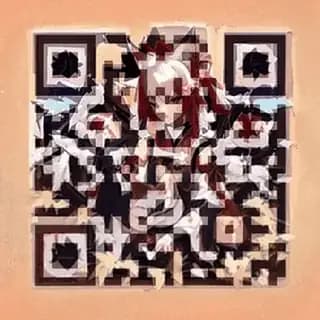
Or make it art. Same code, still scans.
Animated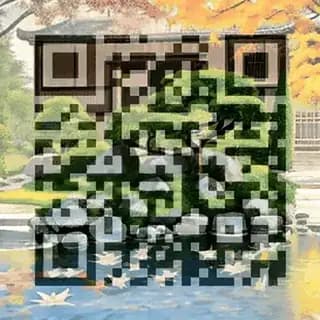


Before you print it
If the code in your next print run may ever need to point somewhere else, create it as a dynamic QR code you can edit after printing. The printed pattern never changes; only the destination behind it does. It also means you can track every scan by day, device, and location and see which placement actually worked.
Make a QR code you can edit anytime
Free static codes. Dynamic codes with analytics on Pro.
Start free